The Watch Tower Blog
Asset Tracking for Fleets and Equipment, Set Up for You
Asset tracking for fleets and equipment, done for you. We choose, buy and install the hardware, connect it securely, and aim to get you on the map in a day.
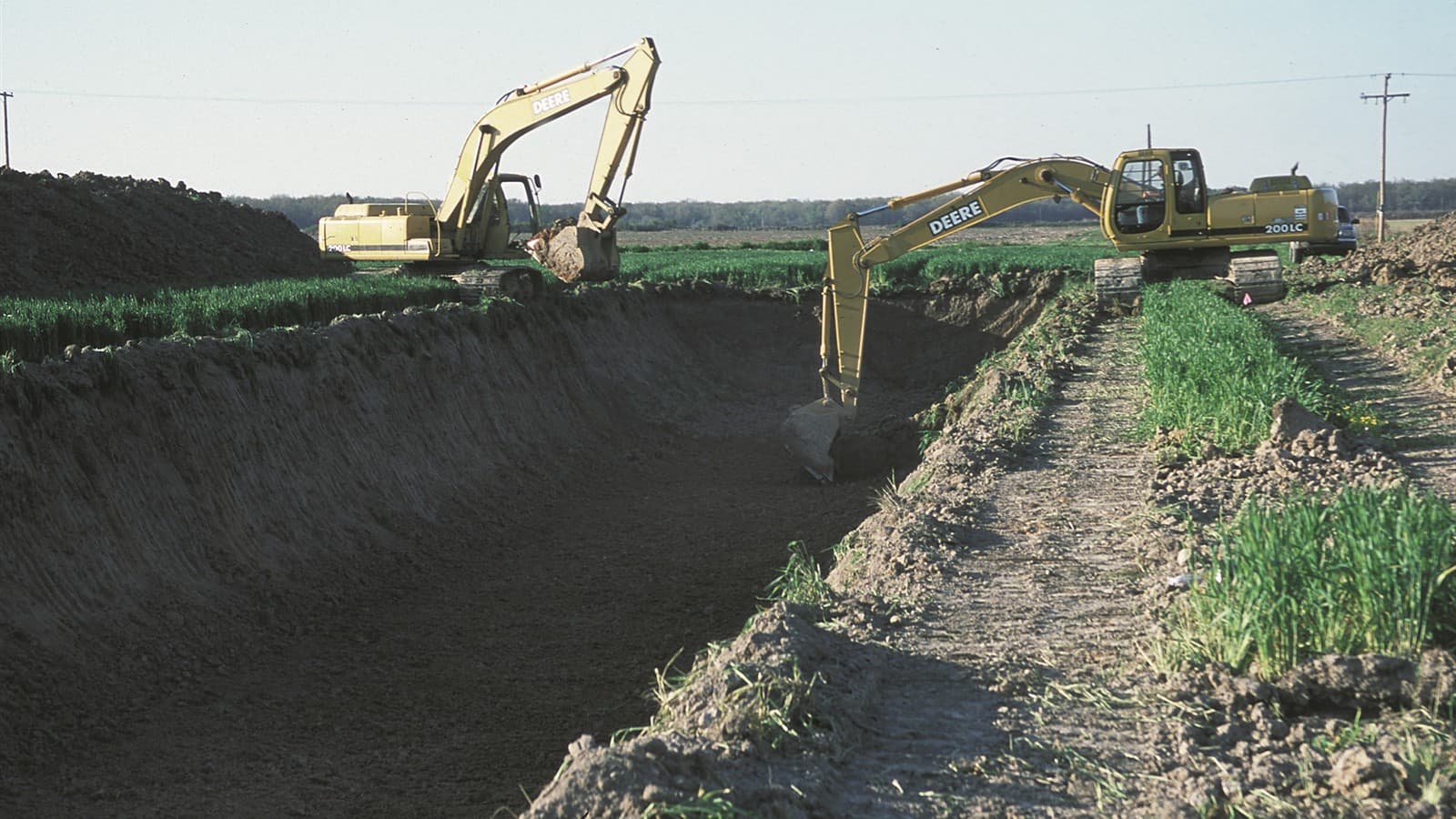
Most companies that run trucks, machines and several sites want the same thing: to open one screen and see where everything is. Most asset tracking for fleets and equipment stalls before that screen ever appears. Someone has to decide which trackers to buy, order them, find an installer, work out how each device reports in, and then type in a list of what the company owns. That is a project, and it lands on a person who already has a job.
This post describes a different way to start. Talos, the map inside Watch Tower, is not a map you fill in yourself. It is a service: we handle the hardware, connect it securely and make it work, and your team gets the map. Here is what that means, step by step, and what is left for you to do.
Why tracking projects stall
Ask the owner of a 40-truck carrier or a contractor with machines on six job sites why they do not have a map yet. The answer is rarely "we do not want one". It is usually one of these:
- They do not know what to buy. Trackers for a tractor, a skid steer, a generator and a trailer are not the same device, and a spec sheet does not say which is right.
- They do not know who fits it. A trucking yard in one state and a quarry in another do not share an installer.
- They do not know what happens next. A box on a machine is not a map. Something has to link it to a name, a type and an owner.
These are all questions about capability, the fourth of the five barriers between AI and real results: how, with what, and who do I call? (The full set is in how to start using AI.) The company knows what it wants to see. It lacks the practical help to get there, so the plan waits.
Step one: we handle the hardware
We start by agreeing with you what to track. Then we do the work that normally falls on you:
- We choose the hardware. GPS trackers for trucks, trailers and service vans. Tags or sensors for machines, generators and containers. A fixed point for each site, yard or warehouse.
- We buy it. You do not raise purchase orders for devices you have never used.
- We have it installed. Depending on where your yard or site is, that is our own team or a local installation partner who fits the hardware to our specification and reports back each asset they have fitted.
You tell us what you run. If you prefer, walk us around the yard. Either way, you do not need to become an expert in trackers.
Step two: we connect it through Nimbus
A device on a machine only helps once the business can see it. Each tracker is registered to your company and linked to Watch Tower over Nimbus, our secure network. Your asset register in the Console gets one record per asset, with its name, its type and its owner.
Two things matter here for a company that has not done this before:
- Only your team sees your assets. The people in your company that you give access to can open the map. Nobody else can.
- There is nothing to install on your computers. The devices talk to Watch Tower; you open the Console in a browser.
Step three: we make it work, aiming for under one day
Before we leave, we check that every asset shows on your Talos map. We walk your team through it, with the person who will actually use it, and we fix what is missing. Our aim is to finish within one day of the first visit. That is an aim, not a promise: a large fleet, several states or a remote site can take longer, and if so we tell you the plan before we start.
After that, you have a named contact for anything that stops reporting. The point is that the map keeps being useful next month, not only on the day we finish.
Who does what
It helps to see the split plainly:
- We: agree what to track, choose and buy the hardware, book and manage the install, connect every device through Nimbus, check every asset on the map and show your team how to use it.
- A local partner, where we use one: fits the trackers and sensors to our specification, works to the time slot you agreed and reports each fitted asset back to us.
- You, very little: send us a list of what you run or walk us round the yard, make the vehicles and machines available for the install, and name one person who checks the map with us.
That last item matters. The map is only as good as the person who looks at it on Monday morning, so we ask you to name that person early.
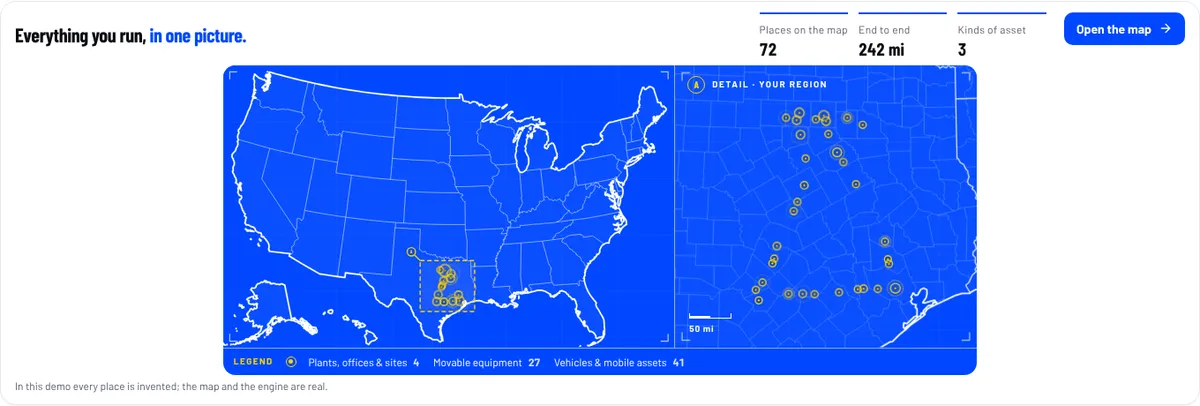
What the map is for
This is the use barrier: what exactly would I use it for? A map of assets is not the goal. The goal is a decision that gets easier:
- A dispatcher sees which truck is closest to the next pickup, and which yard has a trailer free.
- A contractor sees which job site has the loader, and which one is waiting on a machine that is parked somewhere else.
- An owner sees how many assets sit idle in a yard, and asks whether the company needs all of them.
Talos sits next to the rest of the Console, so the map and the company's goal and KPIs are on one screen. For the wider picture of what a connected business view looks like, read AI business intelligence: from data to decisions. For a role-by-role view of where a carrier can start, see AI for trucking companies.
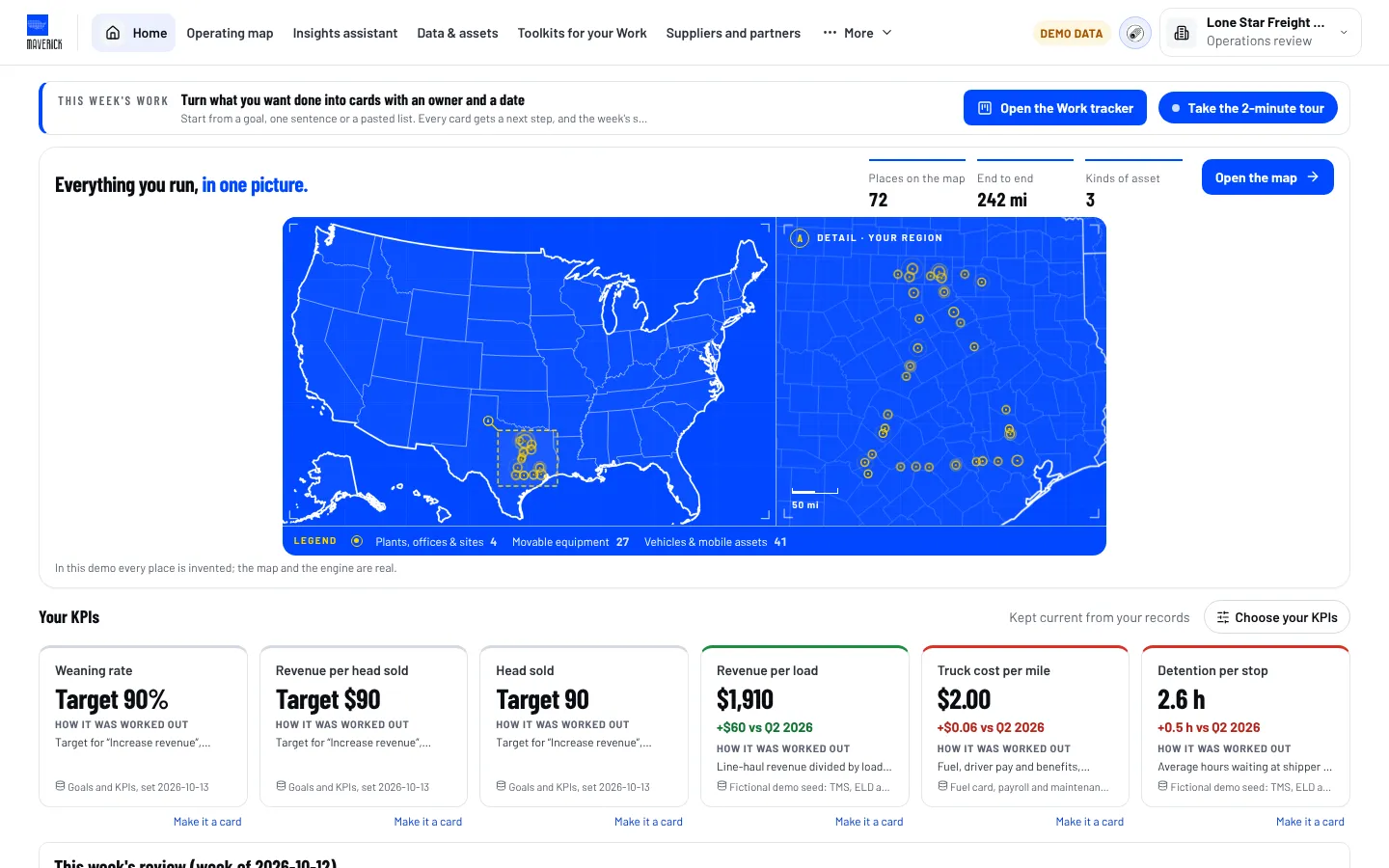
See it before you talk to anyone
You do not have to commit to anything to see what this looks like. The Watch Tower demo opens a fictional company's Talos map in the Console, with its trucks, machines and sites. Open it, look at the map, and ask yourself which of your own assets you would want to see there first.
Frequently asked questions
Do I have to choose or buy the trackers myself?
No. We choose the hardware for what you run, buy it and have it installed. You tell us what you want to see on the map, or walk us around your yard, and we handle the choosing, the buying and the booking of the install from there.
Who installs the hardware?
Our own team or a local installation partner, depending on where your sites are. Either way, we manage the booking and check the result ourselves. A partner fits the devices to our specification and reports each fitted asset back to us before we connect it.
How long does it take to set up asset tracking?
Our aim is to finish within one day of the first visit for a typical yard or site. That is an aim, not a promise. A large fleet, several states or a remote site can take longer, and we tell you the plan before we start so nothing surprises you.
Who can see where my assets are?
Only the people in your company that you give access to. The devices connect to Watch Tower through Nimbus, our secure network, and your data stays in your own workspace. Nothing needs to be installed on your computers, because you open the Console in a browser.
(NRCS_Photo_Gallery).jpg)